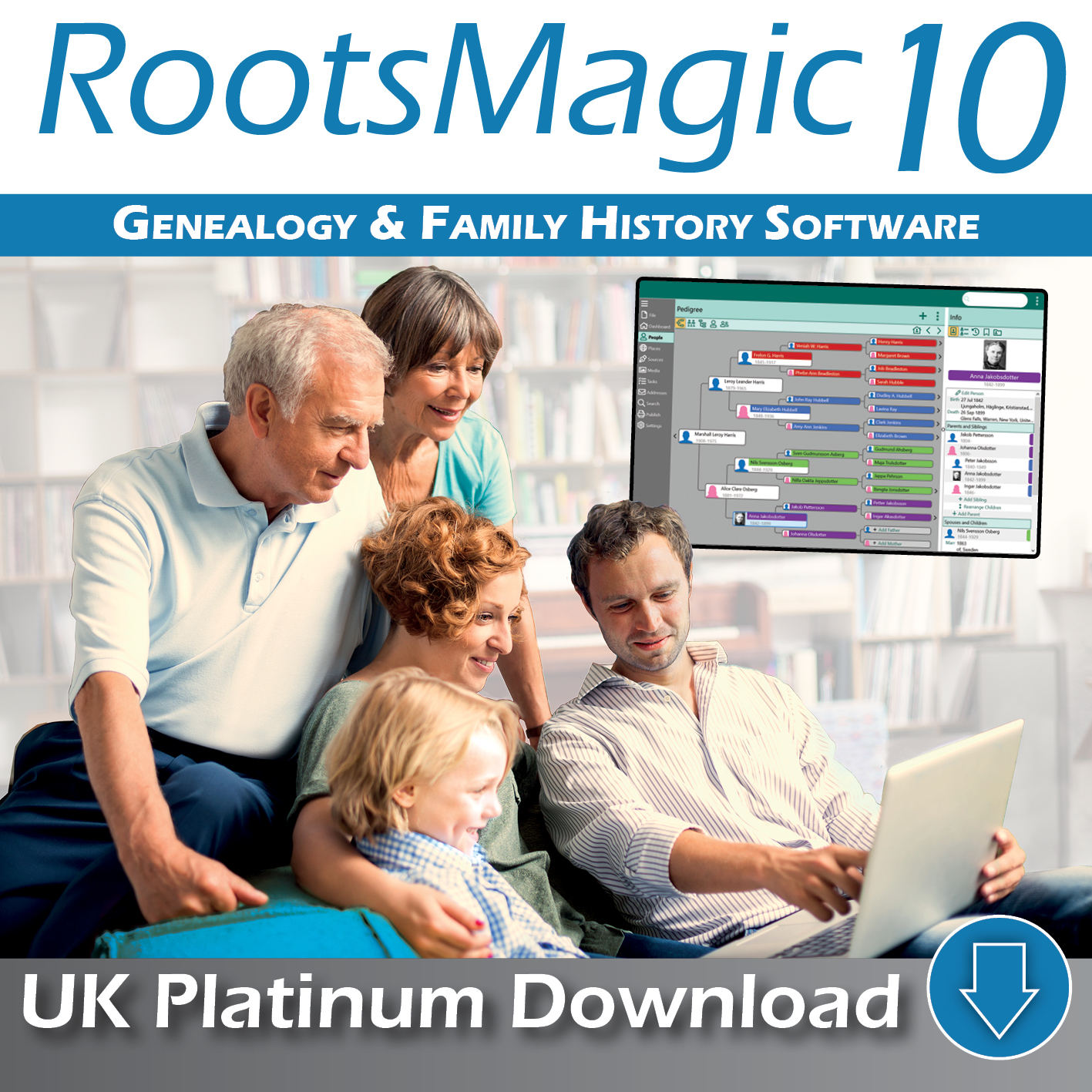
New Features in RootsMagic 10
DNA Matches
Easily track DNA matches for any person
Track test service, date, shared centimorgans, shared %, and more
Include notes for any DNA match
Keep track of user names from provider for each match
View tree relationships and DNA predicted relationships side by side
Leeds Method report for DNA clustering
DNA Kinship list shows all relationships to a start person (both tree relationship and predicted DNA relationship)
Enhanced Searching
Advanced search now includes searching by family line, genetics, individual, or family
Criteria group rules now includes searching by family line, genetics, individual, or family
Can save (and reuse) full advanced search and criteria groups with new search rules
Advanced couple list search lets you search on both husband and wife simultaneously
Search on # of shared facts
Search on proof for facts (and Any fact)
Health History
Track unlimited health conditions (illness, disease, accidents) for each person
Customizable Family Health History report shows health conditions for a person and all immediate family members
Health Conditions list shows any group of people who share the same health condition
Updated Help System
Context sensitive help lets you press F1 to get help on whatever you are doing
Help can be accessed either online or local on your computer
Simplified Group Access
Add, edit, or delete a group directly from the Groups side panel
Directly refresh any "saved rules" group directly from the Groups side panel
New Tools
Globally add a fact to everyone in a group
Copy a persons fact to one or more other people
Move a persons fact to another person
Printing and Reports
Family Health History report
DNA Kinship report
Leeds Method report for DNA clustering
Health Conditions list shows any group of people who share the same health condition
Kinship List includes option to filter which people to include (everyone, list, or group)
Ease of Use
Copy a book in Publisher
Quickly hide / show the folder list on the Tasks page
More viewable lists in Enhanced Properties
Lists from the Enhanced Properties can now be printed
Lists of unused records (places, citations, etc) from the Enhanced Properties now allow you to delete
Enhanced capabilities when adding a shared fact
Find Everywhere now supports saving or printing results
Quickly switch between color code sets from any view
Other
Optionally display surname before given names (for an individual name) for certain cultures
Import Lists lets you select specific records to import from the other file
Sort basic or advanced search results by any column displayed
Half relationship support in relationship calculator, set relationships, relationship chart, kinship list, DNA kinship list, and DNA view
Citation quality now supports Source:Authored and Information:Undetermined
Numerous minor enhancements